How do I setup Shimano Di2 Buttons?
Before using your Shimano Di2 buttons in Cadence, you need to assign them to a channel in Shimano’s E-Tube app.
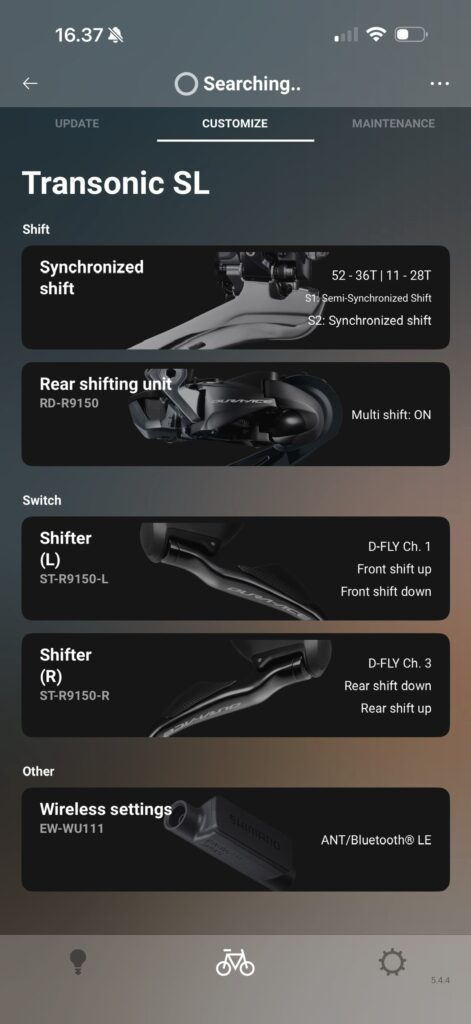
To do that, open the E-Tube app, and connect to your Di2/D-Fly system.
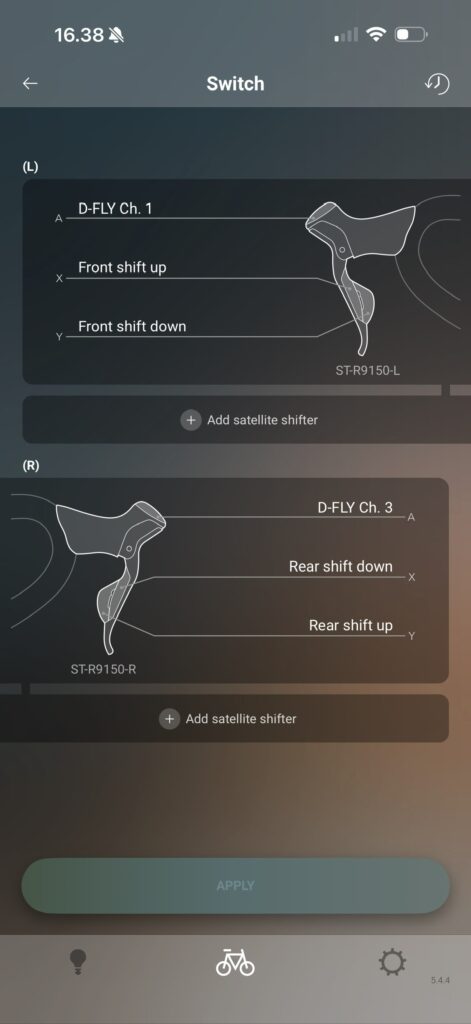
In the E-tube app, you can assign functions to each button. On the customize screen go in to “Switch”, select the shifter, and define which function goes with each button. Cadence can see D-Fly Channels 1-4, so if your left top button (the hidden button) is D-Fly Channel 1, then set the right one to Channel 2, etc.
After you’ve assigned each button, exit and force quit the E-tube app. That will disconnect the Di2 system from the E-tube app and allow you to connect it in Cadence.

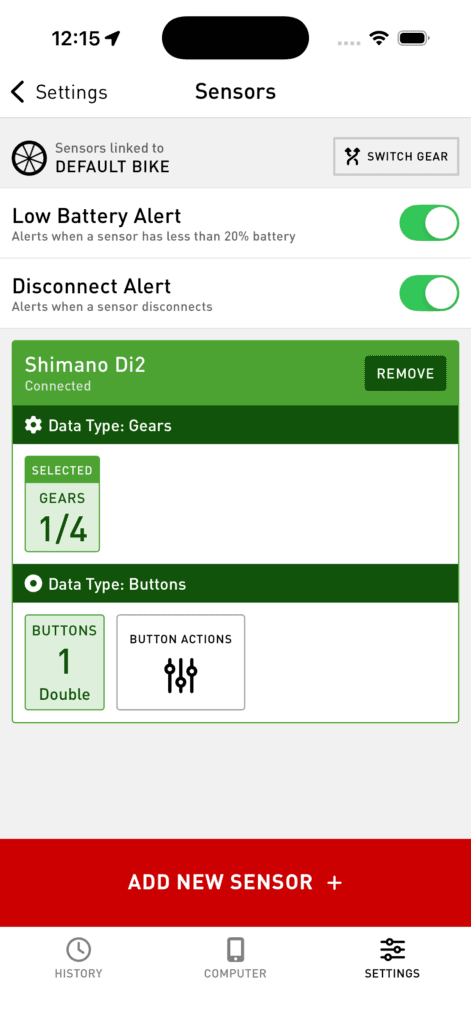
Open Cadence and go to Settings > Bluetooth Sensors > Add Sensor, and select your Di2.
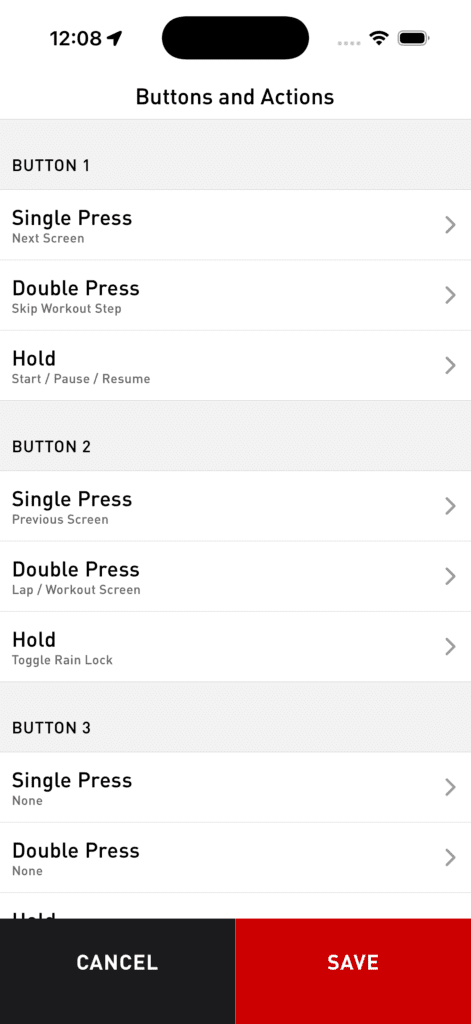
When you press a button, the channel and press type will display. Tap “Button Actions” to map the channel and press type you see to actions in Cadence. You can have 3 functions for each D-Fly channel: Single click, Double click and Hold.